Blogs Hotel Campaign Landing Pages: Match the Advertisement to the Enquiry
Hotel Campaign Landing Pages: Match the Advertisement to the Enquiry
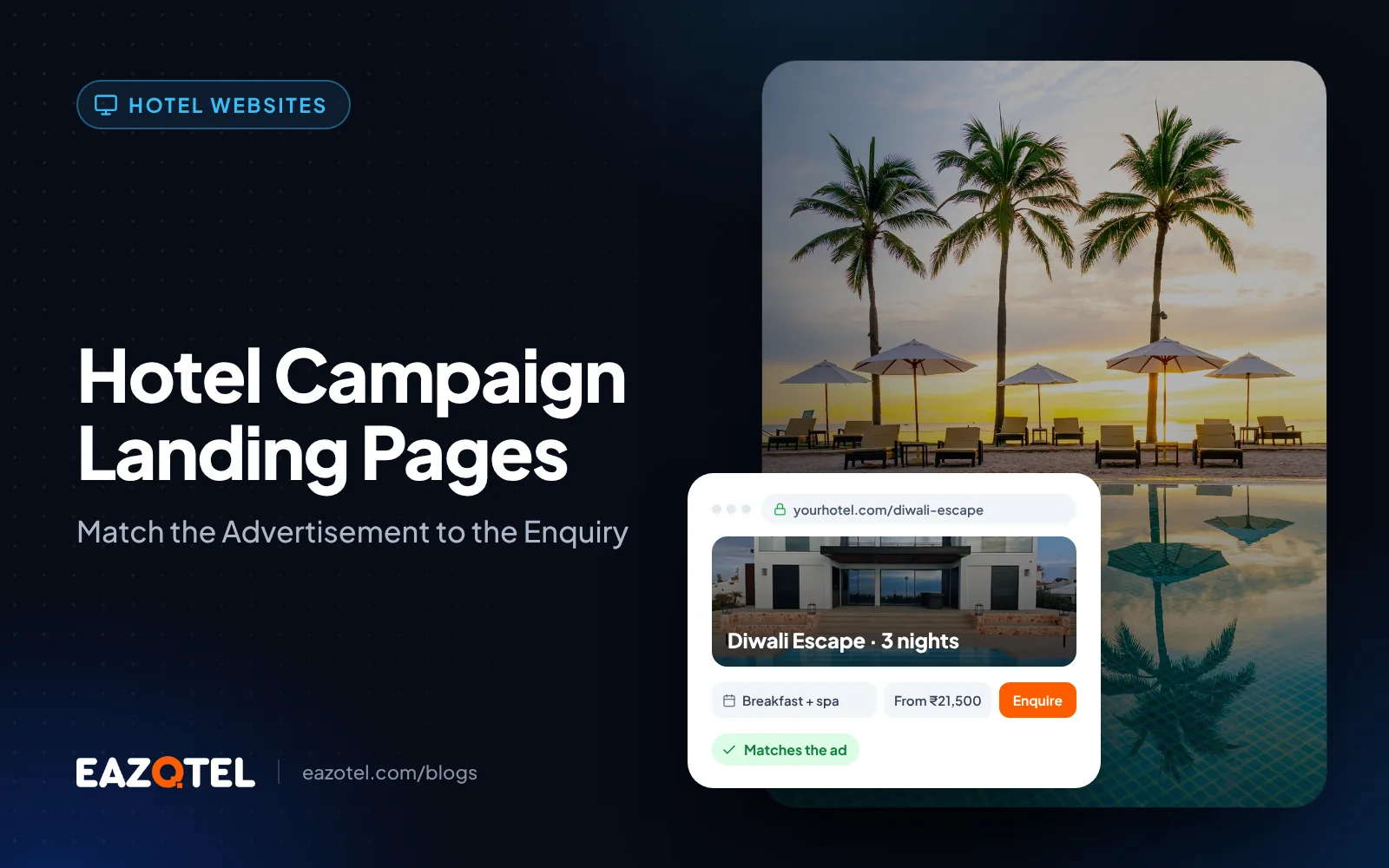
A resort advertisement promotes a wellness stay, but its link opens a generic homepage. The guest now has to search for the offer that prompted the click. A focused landing page can preserve that intent.
Make one promise clear
Explain the advertised experience, who it suits, relevant dates and package inclusions. Use actual property imagery. If a price appears, state its basis and essential conditions accurately.
Choose one primary action: check availability, request a tailored quotation or discuss the package. Additional actions should help the guest without distracting from the campaign’s purpose.
Qualify according to the offer
A leisure package may need travel dates and party size. A wedding enquiry needs event dates and approximate guest count. Questions should help the receiving team respond, not simply make the form longer.
For example, a corporate-retreat page should describe meeting arrangements and room requirements. Sending that enquiry into an ordinary room-sale queue loses commercially important context.
Pass context into the CRM
Retain campaign parameters, offer identifier and the page reference where technically supported and appropriate. Confirm that a successful submission creates an owned enquiry.
Test the confirmation message and the next contact step. Guests should know what happens after submitting and when a team is available to answer.
Evaluate the right conversion
Compare landing-page completion, qualified enquiries, quotations and confirmed bookings. Different offers have different booking cycles, so allow outcomes to mature before choosing a winner.
Avoid judging the page by form submissions alone. The purpose is a better match between campaign demand and a stay the hotel can actually sell.
A practical check for your hotel
Submit an event enquiry from a campaign landing page with dates and attendance that differ from a normal room stay.
The receiving team should see the specific offer and requirements, with a realistic response route shown to the guest.
Measure the result: Compare quotation-ready enquiries and confirmed outcomes by landing-page purpose.
Questions hotel teams ask
Do we need a separate page for every advertisement?
Create a page when the offer or guest task changes meaningfully. Minor creative variations can often use the same relevant page.
Should we remove all navigation?
Test a focused layout, but preserve useful routes to room facts, policies and trust information where guests need them.
Put the workflow into practice
Explore Eazotel as your AI Hospitality Platform. Bring your property's current workflow to a consultation and ask the team to demonstrate the relevant capabilities, connections and handovers for your hotel.
Related guides
- Hotel Website Builder: Create a Website That Supports Direct Bookings
- Connect Your Hotel Website and Booking Engine Without Losing Context
- Hotel CMS Workflows: Keep Rooms, Offers and Menus Current