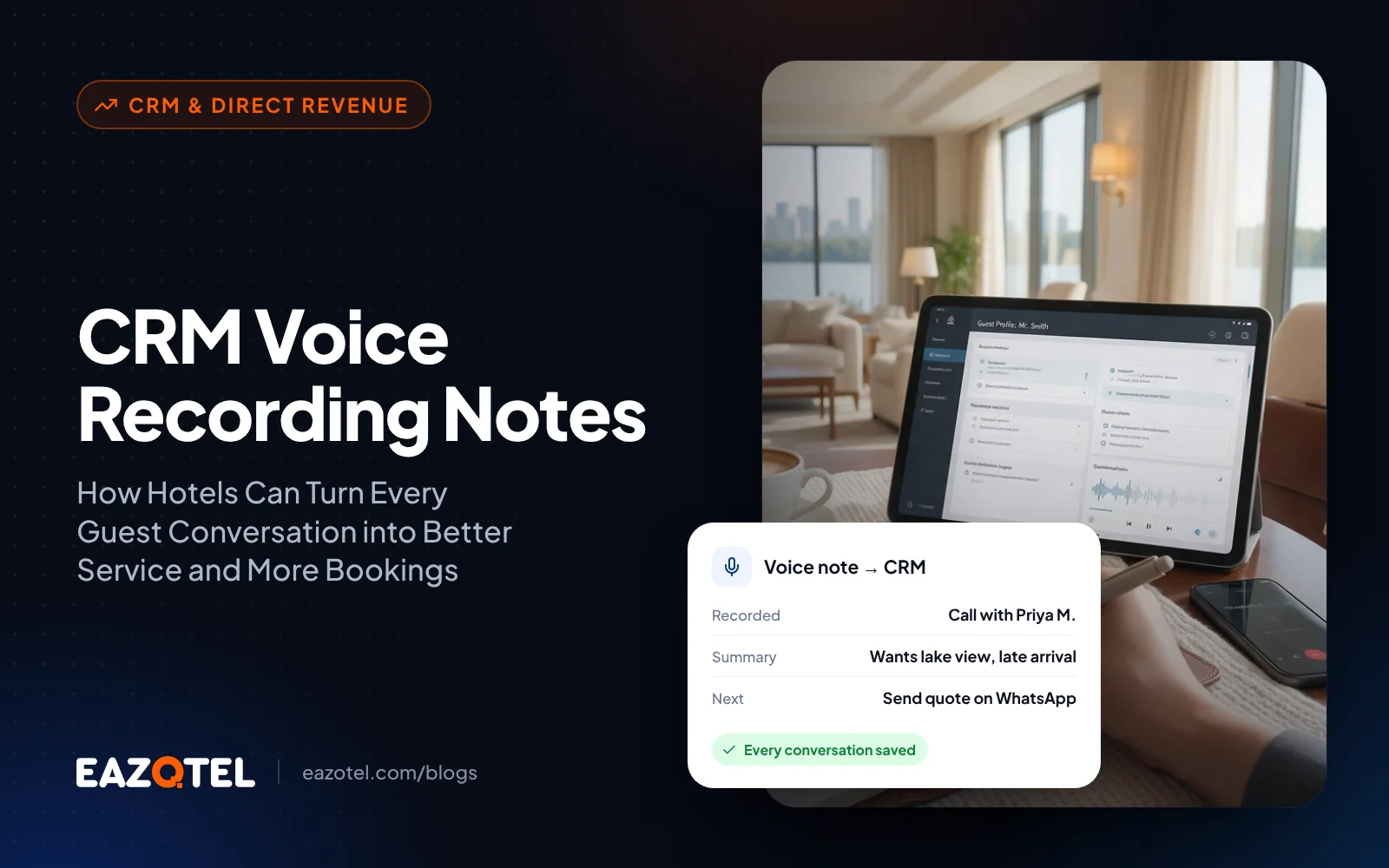
Blogs CRM Voice Recording Notes: How Hotels Can Turn Every Guest Conversation into Better Service and More Bookings
Eazotel | Internal developer reference
Page 1
Eazotel CRM | Voice Recording Notes
Developer reference and functional requirements | 20 October 2026
Purpose: Enable hotel reservation and sales teams to capture, play back, and retain voice notes alongside guest enquiries, with optional written context. This document is a product handoff based on the supplied UI screenshot, not a claim that every proposed behavior already exists.
1. UI reference
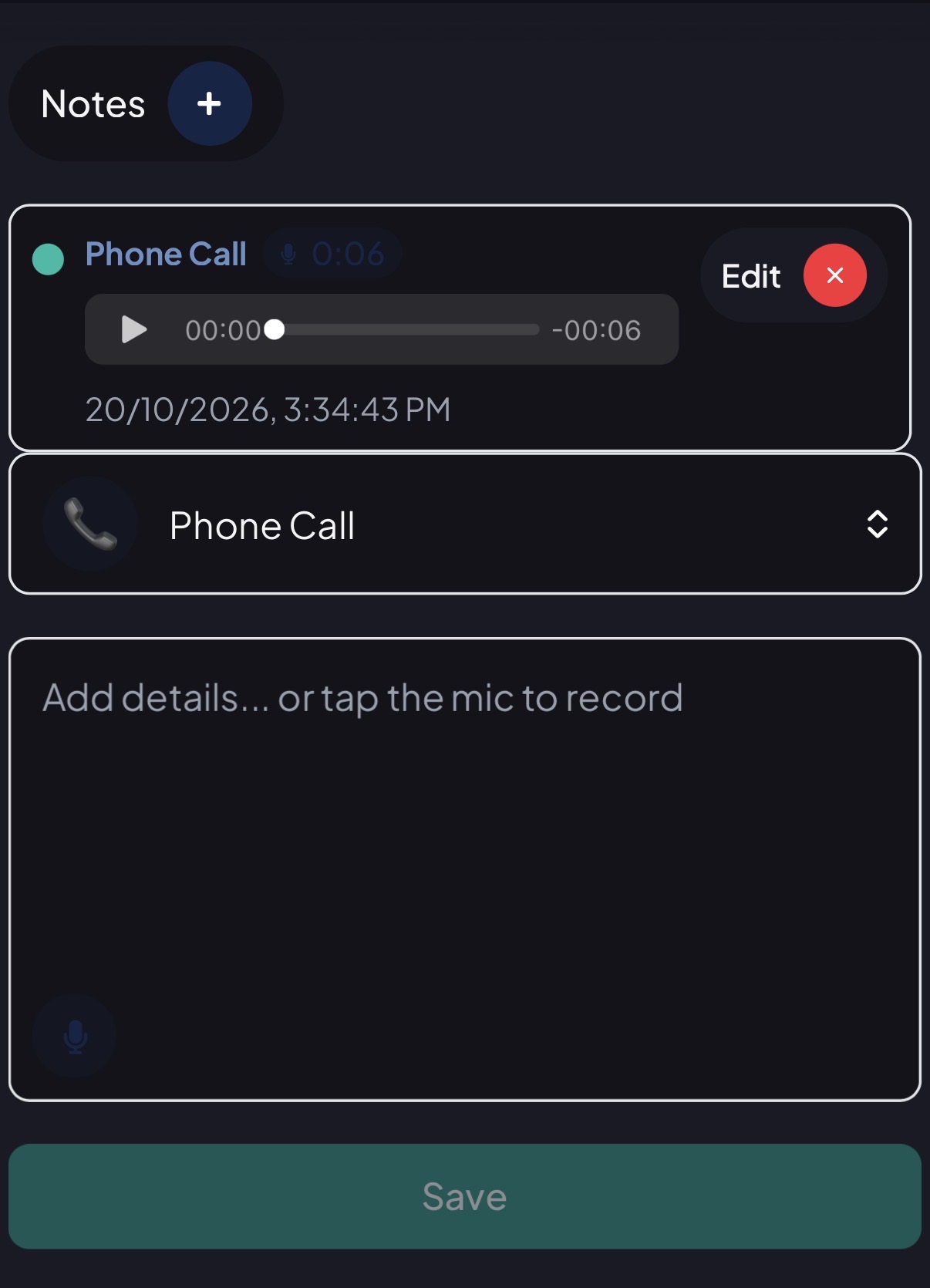
Screenshot shows a Notes area, add (+) control, a six-second Phone Call audio item, play/progress control, date/time, edit/delete affordances, written details field, microphone control, and Save button.
2. Problem and use case
Hotel teams handle many guest conversations each day. Important details such as stay dates, room preferences, special occasions, price discussions and callback commitments can be lost between shifts. Voice notes help staff quickly preserve a summary of the conversation inside the guest or lead record.
3. Minimum viable feature requirements (proposed)
Recording: Start and stop a short audio note from the lead/guest record; show recording duration and a clear recording state.
Playback: Play/pause a saved recording and show duration/progress; do not auto-play.
Text notes: Allow an optional text description to accompany an audio recording.
Save and persistence: Save the recording and description against the correct CRM lead/guest identifier. Prevent empty or failed uploads from appearing as saved.
Eazotel | Internal developer reference
Page 2
List of notes: Display note type, creation timestamp, creator, duration, and available actions.
Edit and delete: Edit accompanying text; define whether replacing audio is supported. Require confirmation before deletion.
Access controls: Only authorized staff should view, create, edit or delete notes, based on CRM role and property permissions.
Mobile experience: Support microphone permission prompts, responsive controls, and a clear error state if permission is denied.
4. Suggested user journey
1. Open a guest enquiry or lead in the hotel CRM.
2. Select Notes and tap + or the microphone icon.
3. Grant microphone access if prompted, then record the guest conversation summary.
4. Stop recording; preview the audio and add optional written details.
5. Tap Save; wait for upload confirmation and show the note in the timeline.
6. Other authorized team members can play the note before a callback or shift handover.
5. Suggested data model
| Field | Description |
|---|---|
| note_id | Unique note identifier |
| property_id / lead_id | Hotel and associated CRM record |
| created_by / created_at | Staff user and server-side timestamp |
| audio_file_key | Private storage reference (not a public URL) |
| duration_seconds / mime_type | Audio metadata |
| text_note | Optional written summary |
| status | Uploading, saved, failed, deleted |
| updated_at / deleted_at | Audit and lifecycle metadata |
6. API and engineering considerations
Suggested endpoints: POST /crm/leads/{id}/voice-notes (upload); GET /crm/leads/{id}/voice-notes (list); GET /crm/voice-notes/{id}/playback (authorized streaming or short-lived signed URL); PATCH /crm/voice-notes/{id} (text update); DELETE /crm/voice-notes/{id} (authorized deletion). Exact endpoint names should follow existing Eazotel API conventions.
Validate file size, duration and MIME type on the server; restrict to supported audio formats; protect files in private storage; use HTTPS, encryption at rest, authorization checks, and audit logs. Handle network interruption, duplicate submissions, upload retries, and playback failure.
7. Privacy, consent and retention
Eazotel | Internal developer reference
Page 3
Distinguish staff-dictated CRM notes from recording an actual phone conversation. If recording calls or identifiable guest speech, implement legally appropriate notice/consent workflows. Establish retention and deletion policies, restrict access by property, and avoid placing sensitive guest data in recordings unnecessarily.
8. Acceptance criteria for QA
- A permitted user can record, preview and save a note on the intended lead.
- Saved audio and accompanying text remain accessible after refresh and on another authorized device.
- A user without access to the lead cannot retrieve the recording URL or audio bytes.
- Microphone denial, failed upload and lost connectivity display actionable error messages.
- Deleting a note removes it from the active timeline and follows the configured retention policy.
- Timestamps and creator information are accurate; mobile playback and recording work reliably.
9. Future enhancements (not confirmed in screenshot)
Optional speech-to-text transcription, AI-generated summaries, extraction of callback tasks, language support, searchable transcripts, CRM activity insights, and integration with telephony systems. These require separate product scoping and privacy review.
10. Content / marketing positioning
Blog title: CRM Voice Recording Notes: How Hotels Can Turn Every Guest Conversation into Better Service and More Bookings
SEO title: CRM Voice Recording Notes for Hotels | Eazotel Hotel CRM
Meta description: Discover how CRM voice recording notes help hotels capture guest conversations, streamline follow-ups, improve team coordination, and manage enquiries with Eazotel.
Suggested URL: /blog/crm-voice-recording-notes-hotel-crm/
Messaging note: Describe capabilities shown in the screenshot as UI observations; describe additional capabilities as planned or proposed until development confirms they are live.