Blogs Booking Confirmations on WhatsApp: Give Guests Information They Can Trust
Booking Confirmations on WhatsApp: Give Guests Information They Can Trust
A confirmation message is a service document in conversational form. If it shows the wrong dates or payment state, a friendly tone cannot repair the confusion it creates.
Trigger from the confirmed reservation
Use the reservation source’s verified booking event. Include the property, booking reference, dates, room category and relevant guest count. Do not trigger confirmation from a quotation or a clicked payment link.
Distinguish confirmed, pending and cancelled states. Where deposits apply, describe the recorded amount paid and the remaining obligation according to the booking terms.
Keep the message usable
Lead with the essential booking information. Add a clear route to check details and contact the hotel. Send arrival directions or extensive policies separately when a single message would become difficult to read.
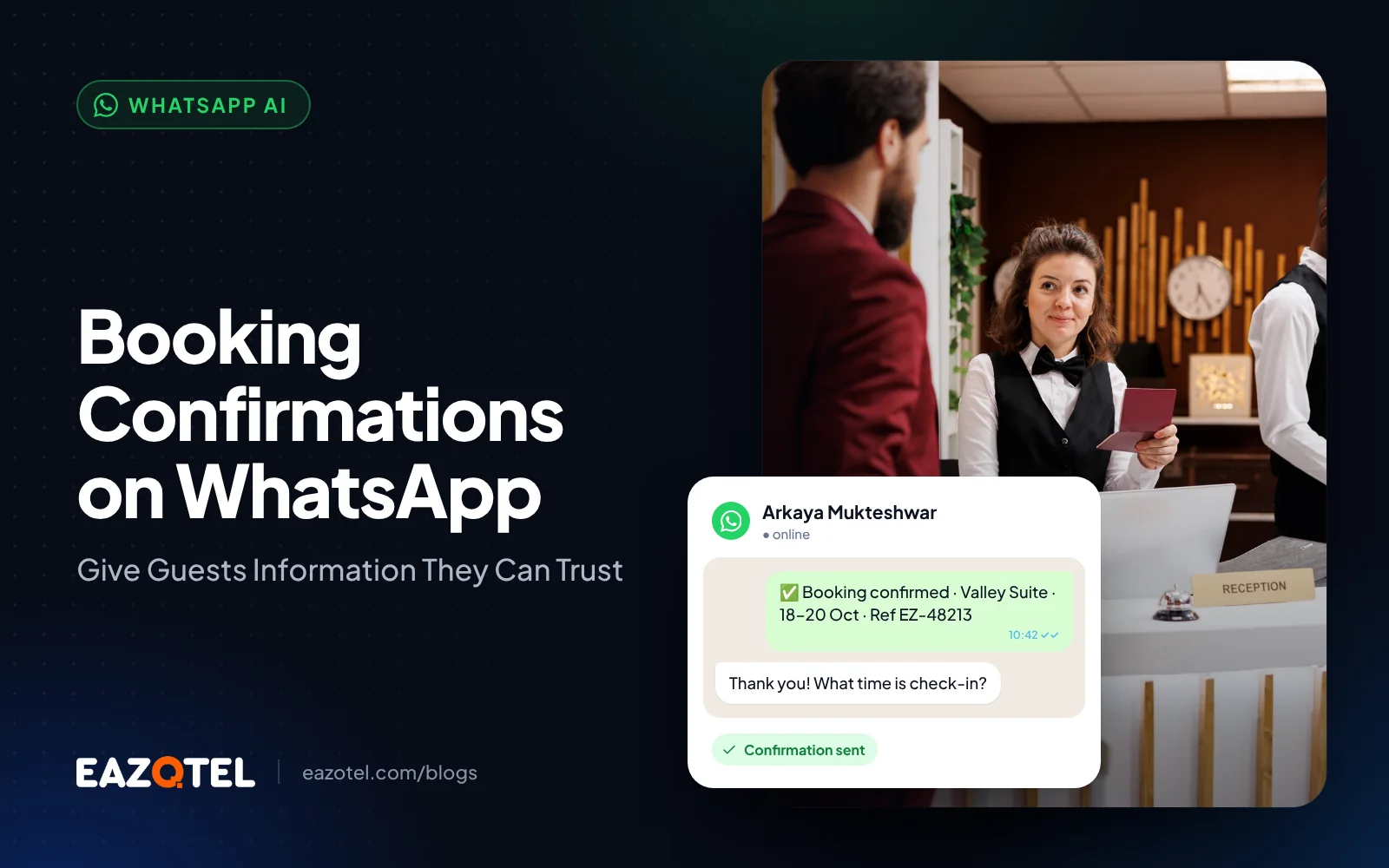
An illustrative message confirms a two-night stay and provides the booking reference, check-in time and contact route. It does not need to repeat every promotional claim from the advertisement that created the enquiry.
Handle changes deliberately
When dates or rooms change, issue an updated summary and identify what changed. Stop outdated arrival reminders. A cancellation should change the workflow rather than simply add another message to the same sequence.
Protect against duplicate events so one reservation does not produce repeated confirmations. Record delivery failures and let staff choose an alternative contact route when appropriate.
Review the operational result
Measure confirmations matching source records, correction requests, delivery failures and avoidable calls asking whether a booking exists. Review discrepancies with reservations rather than treating them solely as a messaging problem.
Guests need confidence that the hotel recognises their reservation. Accurate details and a working support route create that confidence more effectively than unnecessary message volume.
A practical check for your hotel
Test confirmation after a payment request, a verified booking, a date amendment and duplicate delivery of the same event.
Only the appropriate confirmed state should create a confirmation, with updated dates and no accidental duplicate messages.
Measure the result: Reconcile a sample of confirmation references against the authoritative reservation records.
Questions hotel teams ask
Should payment success trigger booking confirmation?
Only when the hotel has verified that the payment belongs to a confirmed reservation. Payment and inventory states must be reconciled.
What happens when delivery fails?
Record the failure, retain the reservation state and provide staff with an appropriate alternative-contact task.
Put the workflow into practice
Explore Eazotel as your AI Hospitality Platform. Bring your property's current workflow to a consultation and ask the team to demonstrate the relevant capabilities, connections and handovers for your hotel.
Related guides
- WhatsApp Automation for Hotels: Design the Complete Booking Conversation
- Pre-Arrival WhatsApp Automation: Prepare Guests for a Smoother Stay
- Recover Abandoned Hotel Booking Enquiries Without Inventing Urgency